Anyone who has dug through an airport lounge socket queue with three devices dying at once knows the problem. One phone charger. One laptop brick the size of a small book. Maybe a separate cube for the earbuds case, because why not. You end up carrying more charging gear than clothes, and half of it still isn't fast enough to matter.
That's the exact problem GaN chargers were built to solve, and it's why the shift away from "normal" chargers has picked up speed across Indian travellers, students, and hybrid workers over the last couple of years. This guide breaks down what's actually different, what India's charging rules mean for you, and how to pick the right wattage and port count without overthinking it.
India's USB-C (BIS) Charging Standard: Why It Actually Matters
The Bureau of Indian Standards has pushed most smartphone and electronics makers toward a common USB Type-C charging port. The idea is simple: fewer proprietary cables, fewer chargers piling up in drawers, and less e-waste overall.
For you as a buyer, this changes what "compatible charger" even means. A single good USB-C charger can now realistically power your phone, your laptop, your tablet, and your earbuds case, provided the charger itself supports the right protocols (more on that below). That's a real shift from a few years ago, when Apple, Samsung, and half a dozen laptop brands all wanted their own brick.
The practical upshot: a multi-port GaN charger with USB-C PD support isn't a nice-to-have anymore. It's close to becoming the default way most people in India will charge everything they own.
What Is a GaN Charger, Really?
GaN stands for gallium nitride, a semiconductor material used inside the charger instead of the traditional silicon found in older adapters.
Here's the part that matters without the physics lecture: GaN handles electrical current more efficiently and generates less heat while doing it. Less heat means the internal components can be packed tighter, which is why a 65W or even 100W GaN charger fits in roughly the same footprint as an old 20W phone brick.
That's the whole story, really. Same job, smaller box, less wasted energy as heat, more power squeezed into a shape you can drop in a jacket pocket.
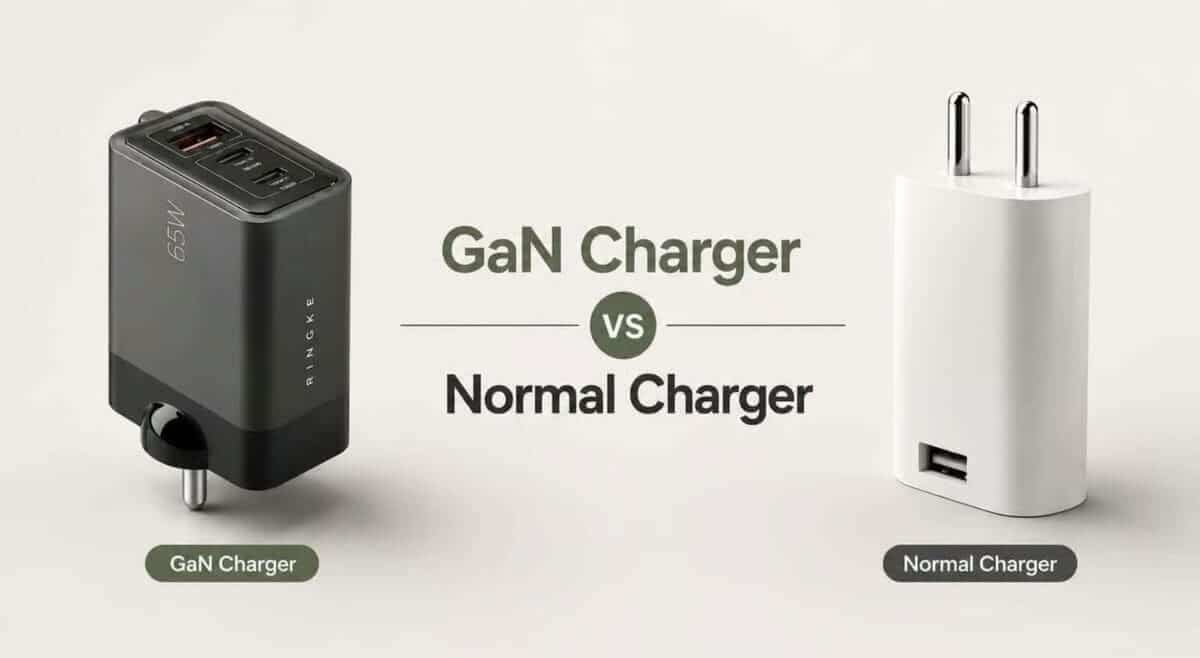
GaN Charger vs Normal Charger: The Real Comparison
Feature | Normal (Silicon) Charger | GaN Charger |
Size & weight | Bulky, heavier per watt | Up to 50-60% smaller and lighter |
Heat generation | Higher, especially under load | Noticeably cooler during fast charging |
Charging speed | Usually single-port, lower wattage | Supports higher wattage (45W-140W+) |
Multi-device charging | Rare, usually one device at a time | Common, 2-3 ports charging simultaneously |
Efficiency | More power lost as heat | Higher energy efficiency |
Travel-friendliness | One brick per device | One brick replaces 2-3 chargers |
Price | Cheaper upfront | Slightly higher upfront, cheaper over time |
The size difference alone is worth dwelling on for a second. A normal 65W charger from five years ago was genuinely awkward to carry, easily as big as a deck of playing cards and twice as heavy. A 65W GaN charger today is closer to the size of a matchbox. If you travel even occasionally, that difference adds up in your bag every single trip.
65W vs 100W: Which Wattage Should You Actually Buy?
This is where most people overthink it. Wattage should match what you're charging, not what sounds impressive on the box.
Go for 65W if:
You're charging a phone, a pair of earbuds, and a lightweight laptop or tablet (think MacBook Air, most Windows ultrabooks, iPads)
You want something genuinely compact for a backpack or sling bag
Your laptop's original charger is rated 60W or below
Go for 100W (or higher) if:
You use a power-hungry laptop such as a 16-inch MacBook Pro or a gaming ultrabook
You regularly charge two demanding devices at full speed at the same time
You don't mind a slightly bigger, heavier brick in exchange for headroom
For the average Indian traveller carrying a phone, a slim laptop, and earbuds, 65W hits the sweet spot. It's enough to fast-charge a phone in under an hour and still push a laptop to 50-60% charge in about 30 minutes, without the extra bulk that 100W chargers carry.
How Many Ports Do You Actually Need?
Think about your real charging routine before you decide.
One device at a time, mostly phone: A single-port GaN charger works fine.
Phone + laptop together, occasionally earbuds: A 2-port charger covers it.
Phone + laptop + earbuds, all charging overnight or at a shared airport socket: A 3-port charger removes the need to juggle plugs or hunt for a second socket.
Frequent travellers usually land in that third category without realizing it. You plug in your phone before bed, your laptop needs charging for the next day's work, and your earbuds case is sitting at 20%. A 3-port charger handles all of it from one wall socket, which matters more than people expect when hotel rooms only have one or two usable plug points near the bed.
Buying Guide: What to Actually Check Before You Buy
A GaN badge on the box isn't enough by itself. A few things separate a genuinely good charger from one that's cutting corners.
USB PD (Power Delivery) support This is the protocol that lets your charger negotiate the right voltage and current with your device. Without proper PD support, you won't get true fast charging on an iPhone, iPad, or most modern laptops, even if the charger is technically rated high wattage.
Safety certifications Look for BIS certification (mandatory for sale in India), along with over-voltage, over-current, and short-circuit protection. These aren't marketing checkboxes; they're what stops a cheap charger from damaging your battery or, worse, becoming a fire risk.
Compatibility across your devices Check that the charger explicitly supports your phone brand's fast-charging protocol (PD, PPS for Samsung, or Apple's fast-charge spec) alongside standard laptop charging. A charger that only claims "fast charging" without naming the protocol is worth a second look before buying.
Build quality and port layout A charger that runs hot to the touch or has ports crammed too close together to fit two plugs at once defeats the point of buying a multi-port unit in the first place.
Portability Check actual dimensions and weight, not just the wattage number. Two 65W chargers can differ meaningfully in size depending on design.
Ringke 65W GaN Chargers: 2-Port vs 3-Port, Which One Fits You
If you're matching the checklist above against what's actually worth buying, Ringke's 65W GaN lineup covers both ends of the port question we walked through earlier, so the right pick comes down to how many devices you're actually charging at once.
The Ringke 65W Ultra Slim GaN 2-Port Fast Charger is built for the traveller who mainly needs a phone and a laptop charged together. Its two Type-C ports and ultra-slim build make it the one to carry when you want the smallest possible footprint in a sling bag or laptop sleeve, without giving up USB PD fast charging on either device.
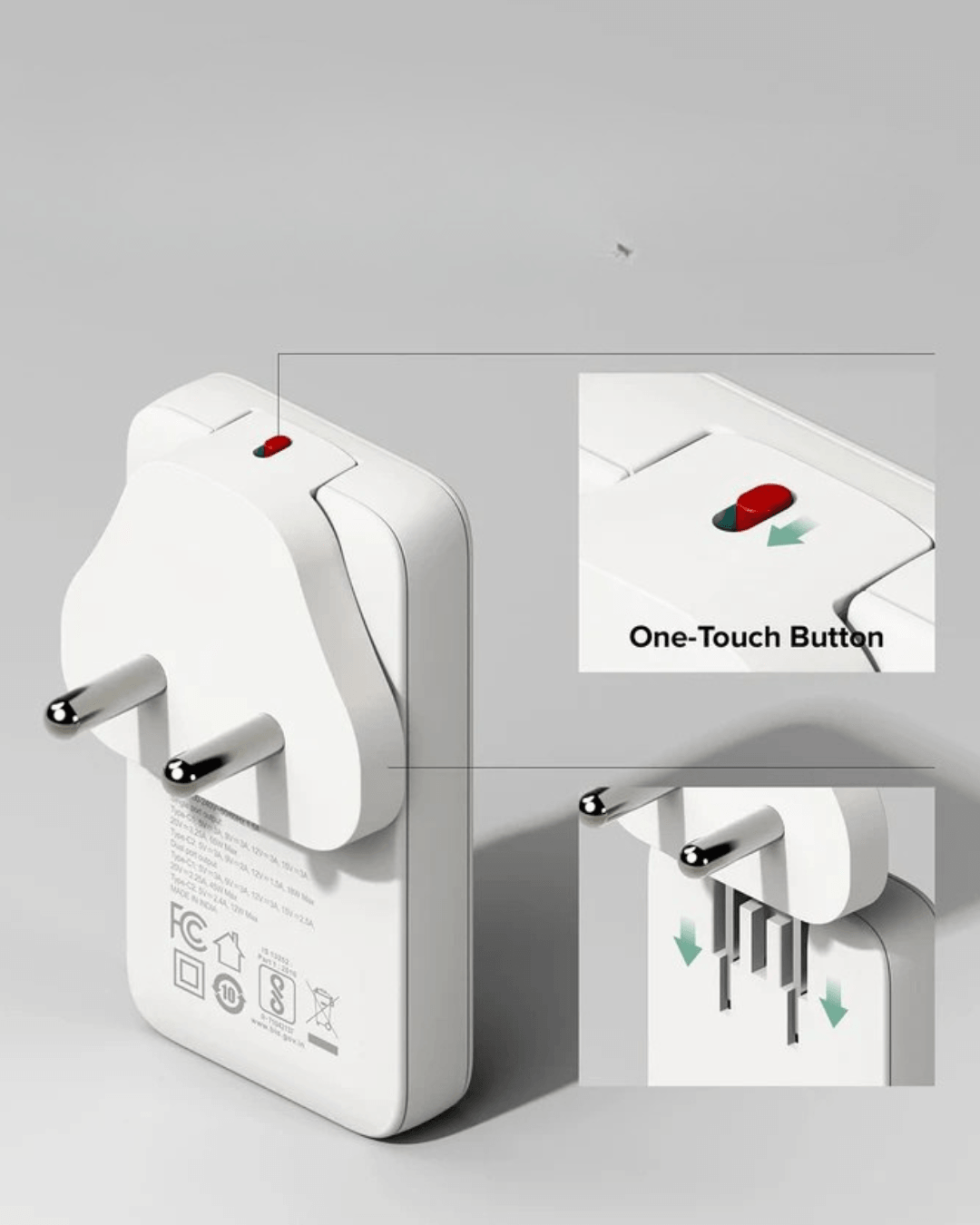
The Ringke 65W GaN 3-Port Fast Charger adds a USB-A port alongside two Type-C ports, so it's the better call if you're charging a phone, a laptop, and a pair of earbuds (or any older USB-A accessory) from a single wall socket. This is the one to reach for on longer trips or when hotel rooms only have one usable plug point near the bed.
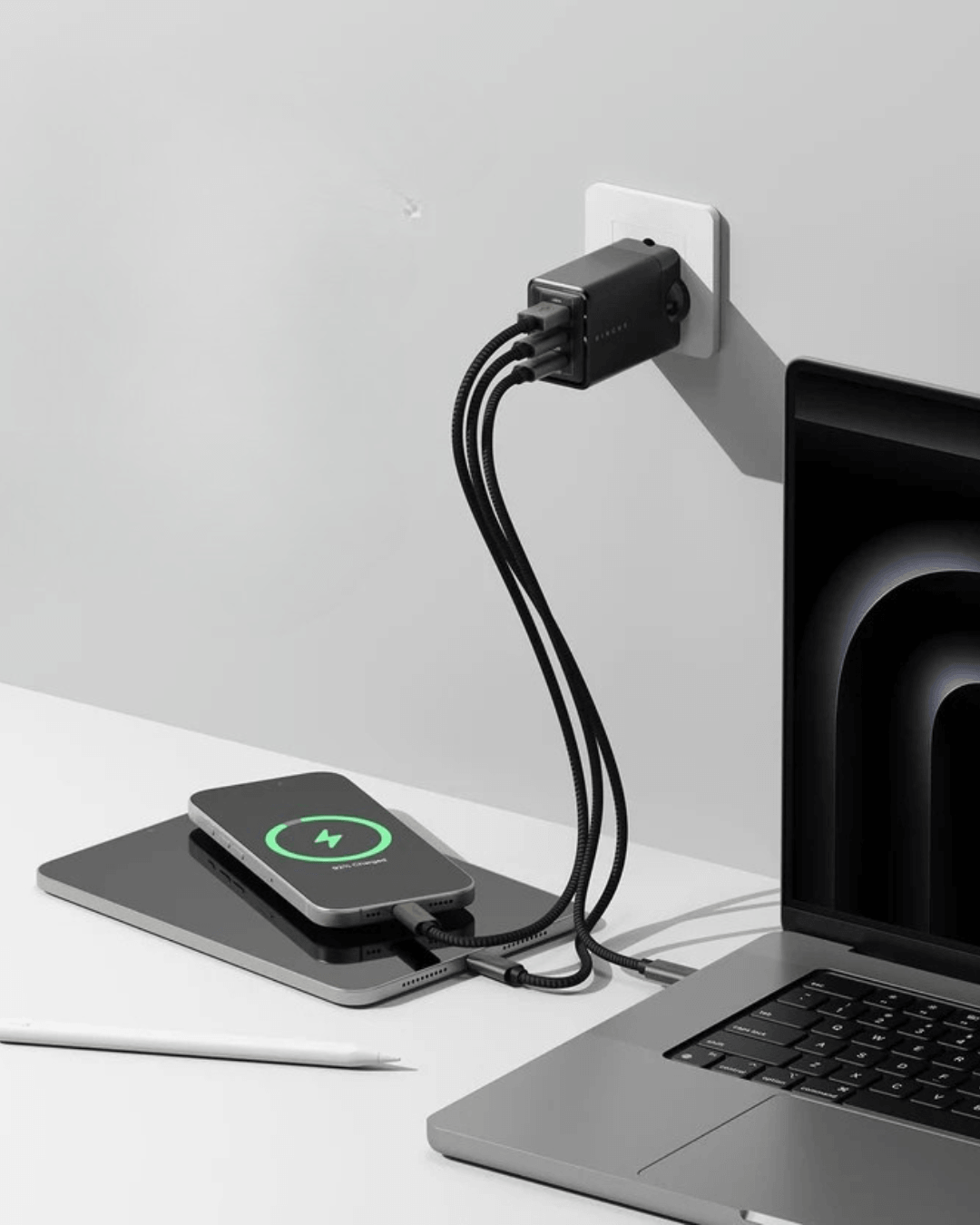
Both run on GaN tech for the smaller footprint and lower heat discussed above, support USB PD for genuine fast charging across iPhones, Android phones, and PD-compatible laptops, and come with the safety protections that matter for daily, repeated use. For anyone tired of the multi-charger shuffle at airports and hotel rooms, either is a straightforward upgrade rather than a gadget for gadget's sake.
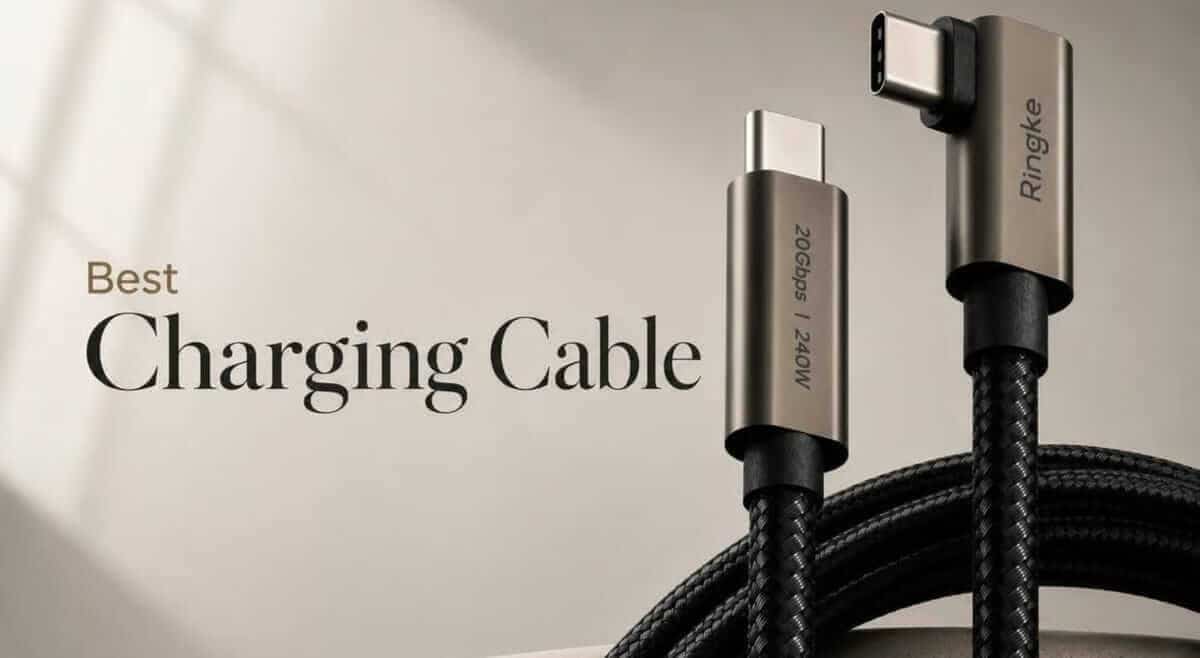
Pairing either charger with a Ringke fast-charging cable rounds out the setup, since even the best charger is limited by the cable feeding it.
Conclusion
The charger drawer most of us are still lugging around belongs to an older era of gadgets. With India's shift to USB-C as the standard port and GaN technology now compact and affordable enough for everyday buyers, there's little reason to keep carrying separate bricks for every device.
If you're packing for your next trip or just tired of hunting for free sockets at home, a 65W GaN charger is one of the simplest upgrades you can make. Check out the Ringke 65W GaN 2-Port Charger for the slimmest carry, or the Ringke 65W GaN 3-Port Charger if you need a third port for earbuds or USB-A gear, and see which one fixes your bag's charger clutter for good.
FAQ
Is a GaN charger better than a normal charger for daily use?
Yes, for most people. GaN chargers run cooler, charge faster at the same wattage, and are small enough to leave in a bag permanently instead of only packing them for trips.
Is 65W enough to fast-charge an iPhone and a MacBook Air together?
Yes. 65W splits comfortably enough across two ports to fast-charge an iPhone while still delivering solid charging speed to a MacBook Air or similar ultrabook.
Do GaN chargers work with all USB-C devices in India?
Most modern USB-C devices work fine, but always confirm your charger supports your device's specific fast-charging protocol (PD, PPS, etc.) for full-speed charging rather than just a basic connection.
Are GaN chargers safe for long-term daily use?
Yes, provided the charger carries proper BIS certification and built-in protections against over-voltage, over-current, and short circuits. Lower heat output during use is itself a safety advantage over older silicon chargers.
Why are GaN chargers more expensive than normal chargers?
The gallium nitride material and denser internal engineering cost more to manufacture than standard silicon components. The trade-off is a smaller, cooler, more efficient charger that often replaces two or three separate chargers, which can work out cheaper overall.